AnvilDesk
macOS · USB or Wi-Fi

Turn any screen into
a second display for your Mac.

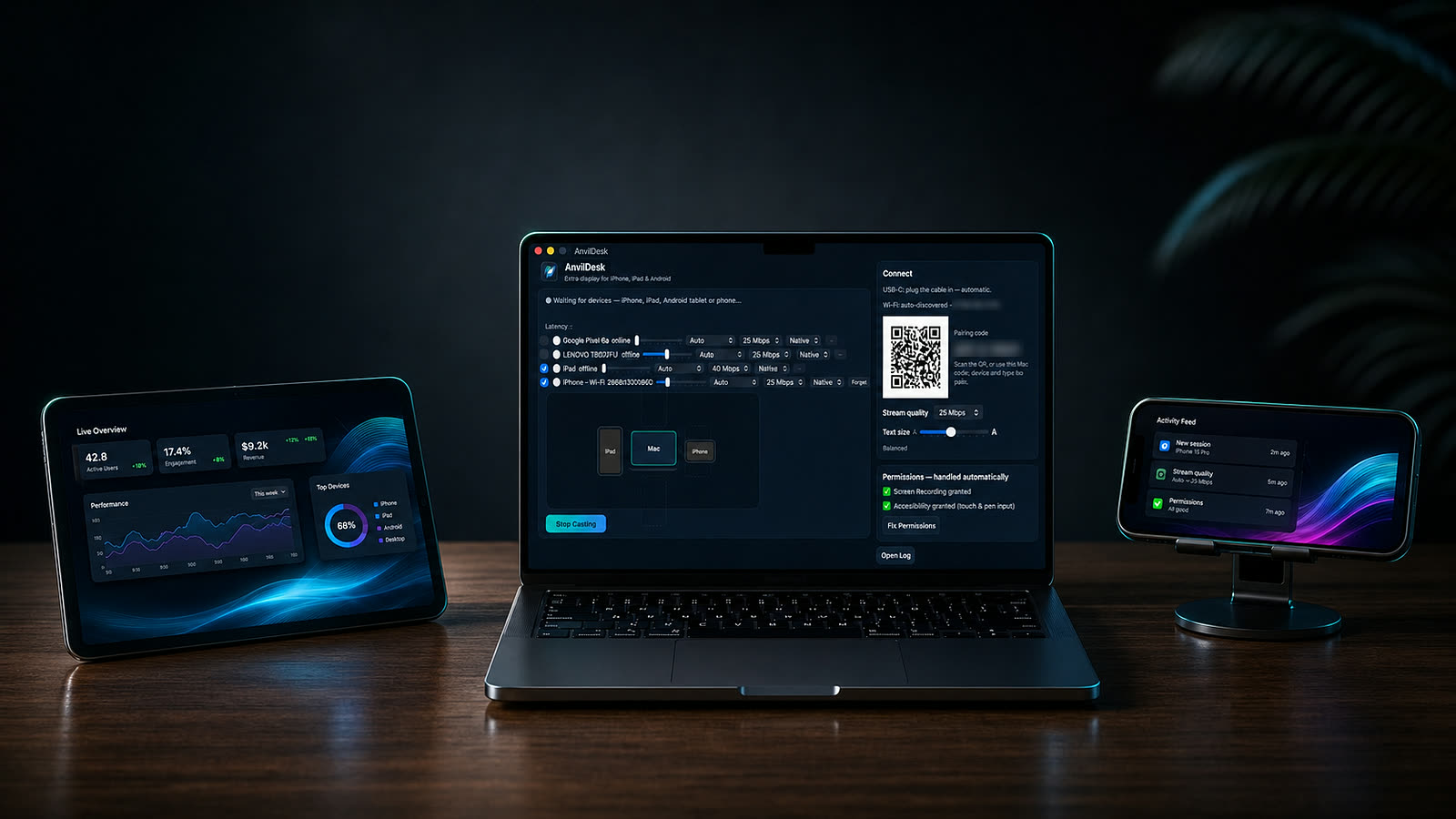
That Android tablet in a drawer. The iPad you stopped updating. A spare laptop. AnvilDesk makes them real extended monitors — not a mirror — over USB or Wi-Fi. Many of them need nothing installed at all.

Free 14-day trial · One-time purchase · No subscription
A Mac with a tablet beside it acting as a second display

Any screen. Even the ones nothing else supports.

Most second-screen apps need their app on every device — which rules out anything too old to run it. AnvilDesk also speaks plain HTTP, so a browser is enough.

🌐

Legacy device support

Open a URL and the screen becomes a monitor. No app, no store, no signing, nothing that expires. Tested on a 2012 iPad running iOS 9 — nine years past its last update, and every rival refuses it.

🤖

Real Android support

A native client for Android tablets and phones with hardware HEVC decoding. Sidecar is iPad-only. Your Galaxy Tab isn't a second-class citizen here.

✍️

Pressure-sensitive pen

Tilt, pressure curves, palm rejection and a barrel-button right-click. An S Pen tablet becomes a drawing tablet for Photoshop or Procreate-style work.

🔌

USB or Wi-Fi

Plug in for the lowest latency, or go wireless on your network. Devices are discovered automatically — no IP addresses to type.

🖥️

Many screens at once

Every connected device gets its own virtual display. Arrange them around your Mac by dragging, exactly like System Settings.

🔒

Private by design

Direct device-to-Mac connection. Nothing routes through our servers, because there are no servers. Each device pairs once with a code.

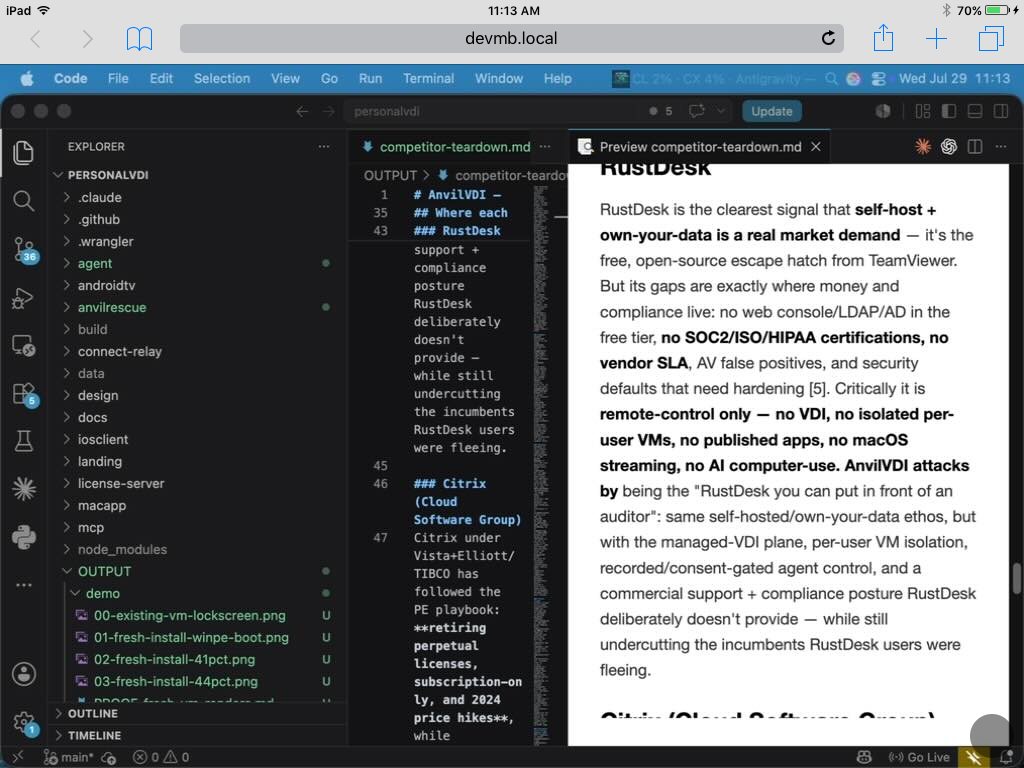
A 2012 iPad mini running a full macOS desktop with VS Code, in Safari
Legacy devices, supported through the browser. That's a 2012 iPad mini on iOS 9 — running a real macOS desktop in Safari, at devmb.local. No app, no App Store, nothing sideloaded.
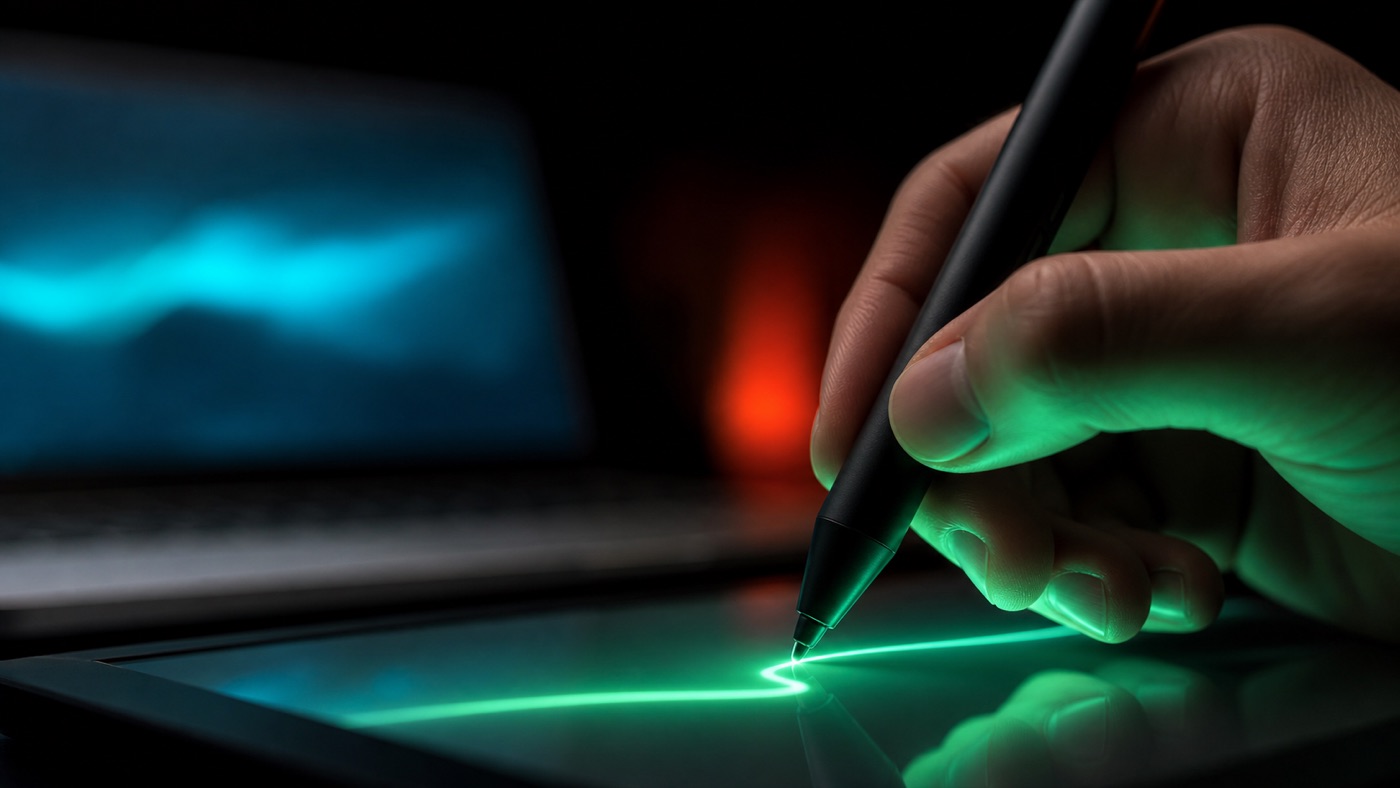
A stylus drawing on a tablet connected to a Mac
Draw straight into your Mac apps. Pressure, tilt and palm rejection turn a pen tablet into a graphics tablet.
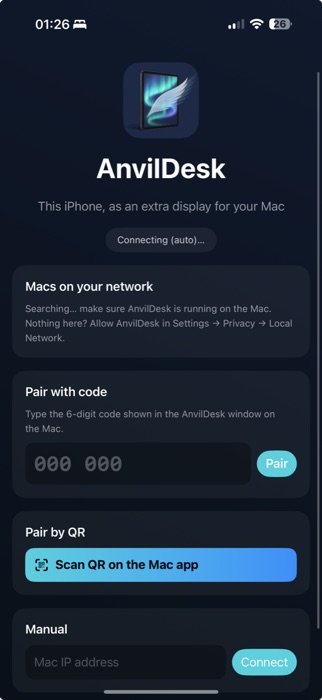
The AnvilDesk iPhone app showing pairing options

Pairs in seconds, then forgets about you.

Native apps for iPhone, iPad and Android find your Mac on the network automatically. Pair once — scan the QR or type the six digits — and every reconnect after that is silent.

Auto-discoveryQR pairing6-digit codeManual IP
Second life

Your old tablet isn't e-waste.
It's a monitor.

Everyone has the drawer. An iPad 2 too old for the App Store. A Galaxy Tab that stopped getting updates. A Fire tablet from a Prime sale. They still have a perfectly good screen — the software just abandoned them.

AnvilDesk doesn't need an app store, a sideload, or a certificate that expires every seven days. If the device has a browser, it can be a display. That's the whole requirement.

iPad 2 & iPad mini · 2011–12 iOS 9 & up Galaxy Tab Android 5 & up Amazon Fire Old Chromebook Spare laptop

Sidecar needs iPadOS 13. Duet and spacedesk need a modern OS too. If the device has a browser, AnvilDesk works — that's the entire requirement.

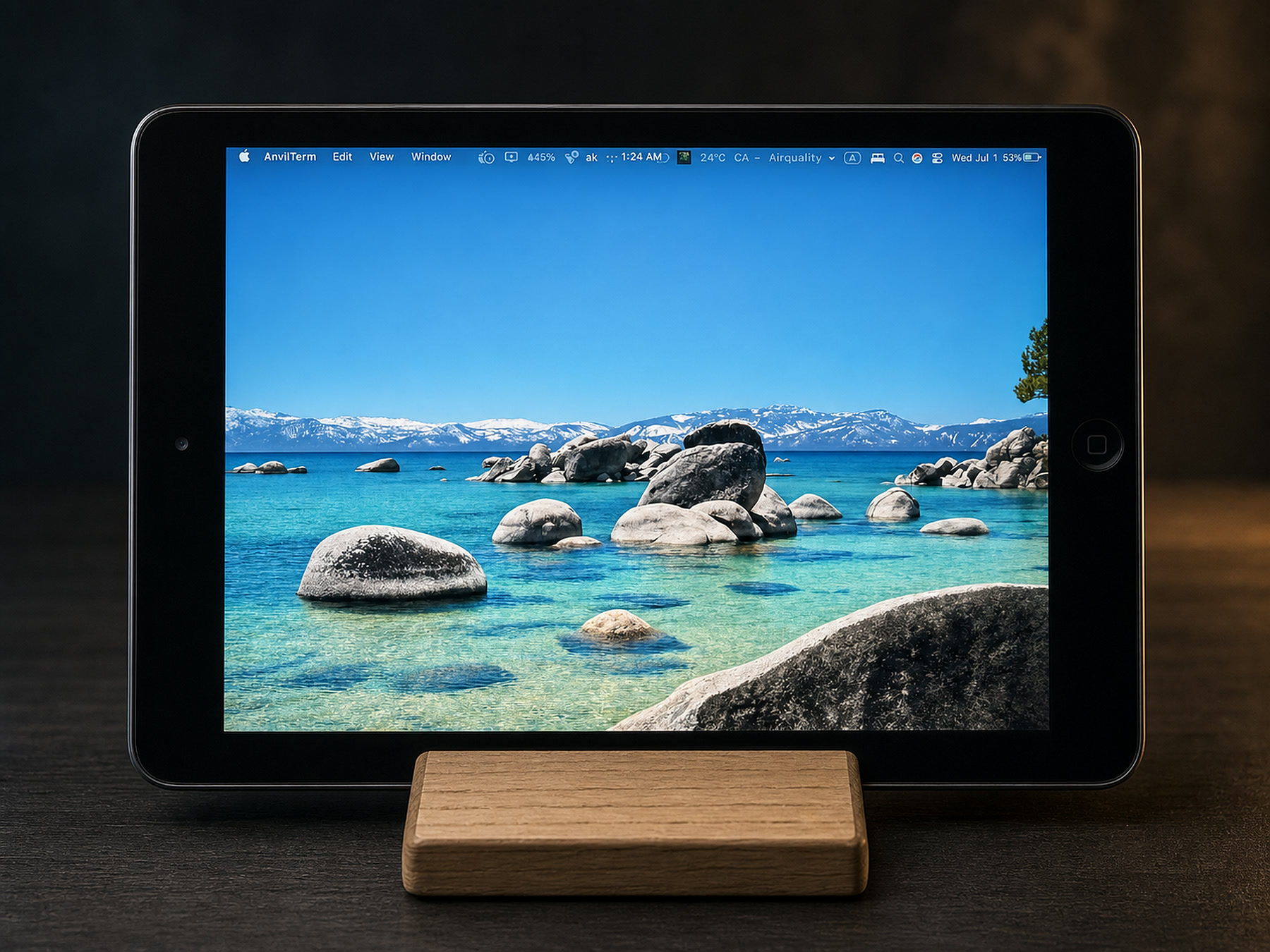
Tested on a 2012 iPad mini running iOS 9.3.5 — four generations past its last update.
A 2012 iPad mini running a macOS desktop as a second display via AnvilDesk
An actual iPad mini from 2012 — running a macOS desktop in Safari, no app installed.

Running in under a minute

1

Install AnvilDesk on your Mac

A signed, notarised app. Grant Screen Recording when asked.

2

Open the app, or the URL, on the other device

Native client on Android and iOS, or just browse to your Mac from anything else.

3

Pair once with the 6-digit code

Shown on your Mac. After that the device reconnects on its own.

4

Drag a window onto it

It's a real display to macOS — windows, menus, full-screen apps, all of it.

How it compares

The honest version. Sidecar is excellent if you own a recent iPad — but that's the only thing it does.

 AnvilDeskSidecarDuetspacedesk
Android tabletsYesNoYesYes
Works with no app installedYesNoNoNo
Very old devicesYesNoNoNo
Mac hostYesYesYesWindows only
Pen pressure & tiltYesYesPaid tierNo
Subscription-freeOne-timeFreeSubscriptionFree

One price. Yours to keep.

No monthly fee for software that runs entirely on your own hardware.

AnvilDesk for macOS
$34 once
  • Unlimited devices on your Mac
  • Native Android & iOS clients, free
  • Browser client for everything else
  • A year of updates included
  • 14-day trial, no card needed
Be first to get the build, plus a launch discount. No spam, one email.
macOS 14 or later · Apple silicon & Intel